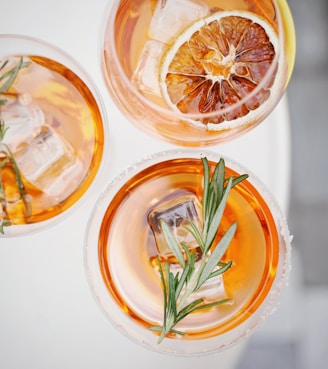
Classic Bar Cocktail Recipes
Cocktail Recipes You Can Make With Your Ingredients
Welcome to our ultimate cocktail haven—your home for cocktail recipes that elevate both your mixology skills and your taste experience. Whether you’re a seasoned bartender or a first-time home enthusiast, you’ll find classic and creative cocktail recipes for every palate, occasion, and season. And with our interactive ingredient finder, you can select what’s in your bar and instantly discover cocktail recipes you can make right now.
Craving whiskey? Explore our whiskey cocktail recipes—from timeless Old Fashioneds and Manhattans to modern riffs that balance sweet, smoky, and smooth notes. Prefer vodka? Our vodka cocktail recipes cover crisp martinis, tangy cosmopolitans, and zesty Moscow Mules—with easy, step-by-step directions.
For warm-weather sipping, dive into frozen cocktail recipes: frosty margaritas, classic daiquiris, and tropical blends that feel like a beach getaway in a glass. Tequila lovers will find plenty too—iconic margaritas plus bold, new tequila cocktail recipes that showcase the spirit’s bright, earthy character.
Ready to Mix? Use the Ingredient Finder to Get Cocktail Recipes
Rounding out the bar, explore rum cocktails, gin cocktails, and refreshing mocktail recipes for zero-proof occasions. Every drink includes clear measurements, pro tips, and smart ingredient swaps so you can shake, stir, and build with confidence.
Ready to pour? Open the cocktail recipe tool below, choose your spirits, mixers, and garnishes, click Search, and unlock the best cocktail recipes you can make with what you already have. Cheers to unforgettable flavors and easy, at-home mixology!

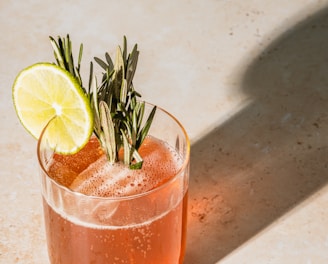
Mixology at its Finest
Our cocktail recipes website offers a wide range of tantalizing concoctions, from classic favorites to innovative creations. Elevate your bartending skills to new heights and create extraordinary libations with our expertly crafted cocktails.